What Is a Fully Automatic Thermal Transfer Printer?
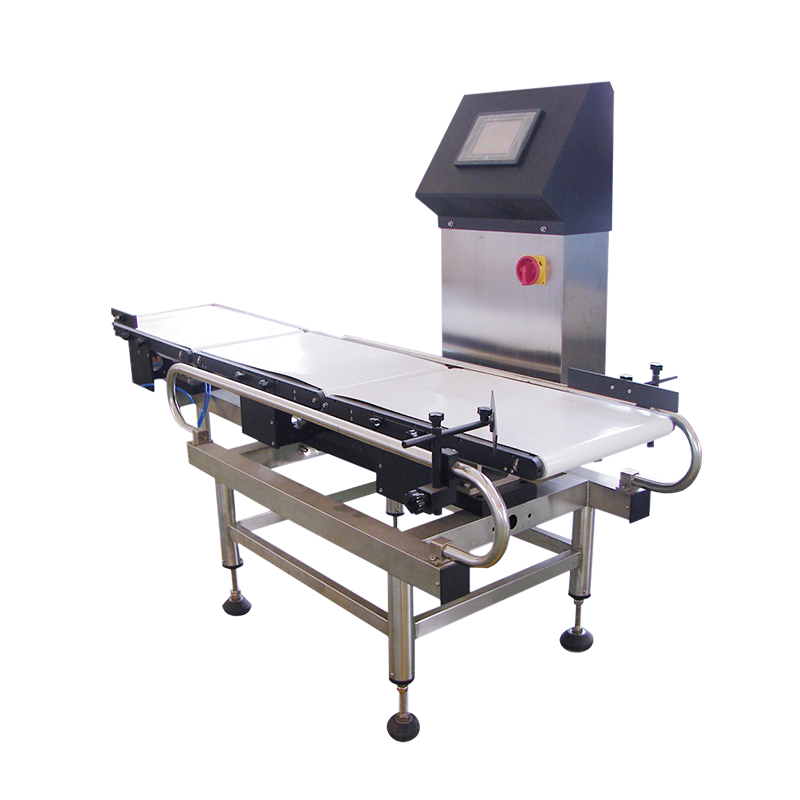
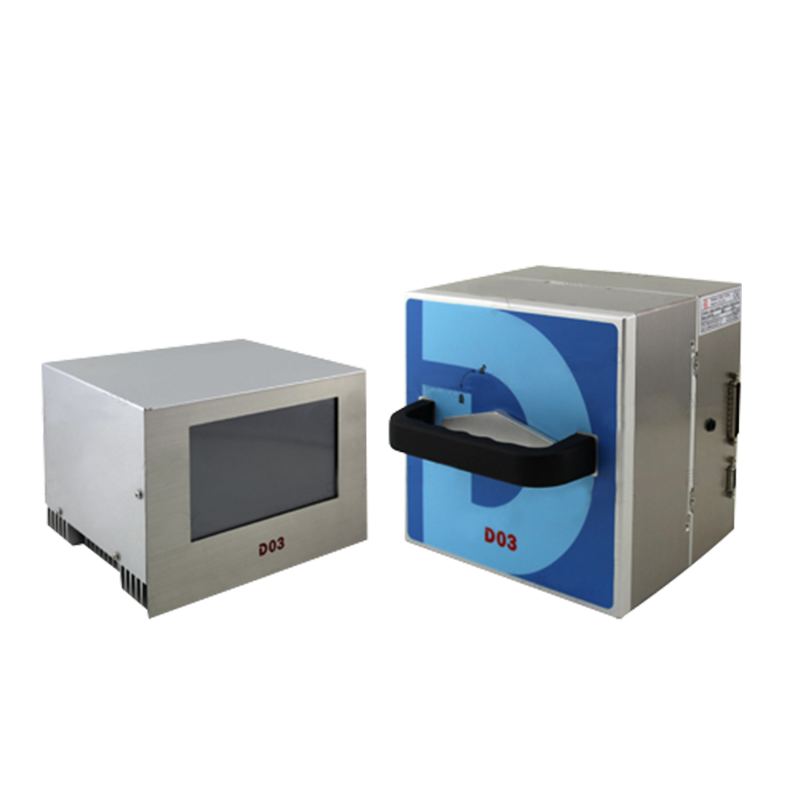
A fully automatic thermal transfer printer is a machine that prints production dates, batch numbers, barcodes, logos, and other variable information directly onto packaging without needing a worker to manually feed, align, or trigger each print. Unlike handheld or semi-automatic units that require a person to position the material and press a button, a fully automatic thermal transfer printer integrates with a conveyor line or packaging machine, detects each product automatically using photoelectric sensors, and prints the moment the item passes by. This makes it a core piece of equipment in modern packaging lines where speed, consistency, and labor savings matter.
The "thermal transfer" part of the name refers to the printing method itself. A heated printhead melts ink from a ribbon (called a thermal transfer ribbon, or TTR) onto the surface of the packaging material, whether that's a flexible film, paper label, cardboard box, or foil pouch. Because the ink is physically transferred and fused onto the surface, the resulting print is sharp, smudge-resistant, and durable enough to survive handling, moisture, and even some chemical exposure.
How a Fully Automatic Thermal Transfer Printer Works
Understanding the mechanics helps explain why this equipment is so reliable for high-volume production. The process happens in a few tightly coordinated steps, all completed in a fraction of a second per product.
Sensor Detection
A photoelectric or proximity sensor mounted on the production line detects when a product or package reaches the print zone. This trigger signal tells the printer exactly when to fire, ensuring the print lands in the correct position every single time.
Ribbon and Printhead Action
Once triggered, the printhead heats up in a precise pattern that corresponds to the text, barcode, or graphic loaded into the system. The heat melts the wax, resin, or wax-resin coating on the ribbon, transferring it onto the packaging surface as the ribbon and material move past the printhead together.
Automatic Ribbon Advance
After each print cycle, the machine automatically advances the ribbon to a fresh, unused section. This is what separates a fully automatic thermal transfer printer from manual coding tools — there's no need to reposition or replace the ribbon after every print, only after the entire roll is used up.
Key Benefits of Switching to a Fully Automatic Thermal Transfer Printer
Businesses that move from manual coding methods, such as inkjet stamps or hand-applied labels, to automated thermal transfer printing usually see improvements across several areas at once.
- Consistent, high-resolution print quality on every unit, with no smudging or fading
- Significantly faster line speeds since printing happens automatically without manual handling
- Lower labor costs because one operator can oversee multiple lines instead of manually coding each package
- Reduced material waste, since accurate registration means fewer misprints and rejected packages
- Better compliance with traceability regulations, since batch codes and expiration dates print reliably every time
- Compatibility with a wide range of substrates, including films, foils, coated paper, and laminates
Industries That Rely on Fully Automatic Thermal Transfer Printers
Because the technology handles high-speed, high-volume coding so well, it has become standard equipment across a wide range of manufacturing sectors.
Food and Beverage Packaging
Production dates, expiration dates, and lot numbers need to print clearly on flexible pouches, snack bags, and beverage labels without slowing down the packaging line. A fully automatic thermal transfer printer keeps up with fast-moving conveyors while meeting food safety traceability requirements.
Pharmaceutical and Medical Packaging
Medicine boxes, blister packs, and medical device packaging require precise, permanent, and legible codes for regulatory compliance. Thermal transfer printing produces the crisp barcodes and serial numbers needed to pass strict audits.
Cosmetics, Electronics, and Industrial Goods
From cosmetic tubes to electronic component labels, manufacturers use this equipment to print logos, QR codes, and specification details onto surfaces that need to look clean and professional while resisting scuffing during shipping.
Fully Automatic vs. Semi-Automatic Thermal Transfer Printers
Many buyers are deciding between a fully automatic system and a semi-automatic one, so it helps to compare them side by side.
| Feature |
Fully Automatic Model |
Semi-Automatic Model |
| Line Integration |
Mounted directly on the conveyor or packaging line |
Often standalone or manually positioned |
| Operator Involvement |
Minimal, mostly monitoring and ribbon replacement |
Higher, requires manual triggering per item |
| Print Speed |
High, suited for continuous high-volume runs |
Moderate, better for smaller batches |
| Best Use Case |
Large-scale factories with continuous production |
Small workshops or lower-volume operations |
What to Check Before Buying a Fully Automatic Thermal Transfer Printer
Not every machine on the market fits every production line, so it's worth evaluating a few practical factors before committing to a purchase.
- Print width and resolution needed for your labels, barcodes, or graphics
- Maximum line speed the printer can support without losing print clarity
- Compatibility with your specific packaging material, such as film thickness or surface texture
- Ease of integration with your existing conveyor, sensors, and control systems
- Availability of local technical support and replacement parts, including ribbons and printheads
- Software features like variable data printing, barcode generation, and connection to a database or ERP system
Maintenance Tips to Keep the Printer Running Smoothly
A fully automatic thermal transfer printer is built for continuous operation, but like any piece of production equipment, it performs best with regular care. Cleaning the printhead with an approved cleaning pen or isopropyl alcohol swab on a regular schedule prevents ink buildup that can cause streaky or incomplete prints. Operators should also check ribbon tension settings periodically, since a ribbon that's too loose or too tight can wrinkle and produce poor print quality. Keeping the sensor lenses free of dust ensures the trigger signal stays accurate, and storing ribbons in a cool, dry place before use helps maintain consistent ink transfer. Scheduling a full inspection of the printhead, rollers, and drive mechanism every few months catches wear before it leads to unexpected downtime.
Common Problems and Quick Fixes
Even well-maintained machines run into occasional issues, and knowing the likely cause speeds up troubleshooting. Faint or partial prints are usually linked to a worn printhead, incorrect heat settings, or a ribbon and material mismatch, so adjusting the temperature or swapping the ribbon type often resolves it. Skewed or misaligned prints typically point to a sensor that needs recalibration or a ribbon that isn't tracking straight through the mechanism. If the printer stops triggering altogether, check the sensor alignment and cabling first, since a blocked or dirty sensor is one of the most common causes of missed prints on a fast-moving line.


 English
 Español
 عربى
عربى


Contact Us